
cPanel is a great tool for managing your websites, but only if you can actually access it! This tutorial discusses the multiple ways to login to cPanel: via My.Neoxea and via multiple direct login URLs. We’ll also cover common reasons why you may have trouble logging in.
Access cPanel from within my.neoxea
Accessing cPanel from within my.neoxea is a very straightforward process:
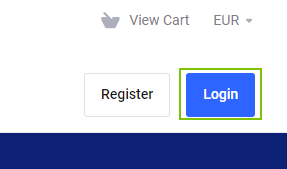
Step 1. Login to My.Neoxea
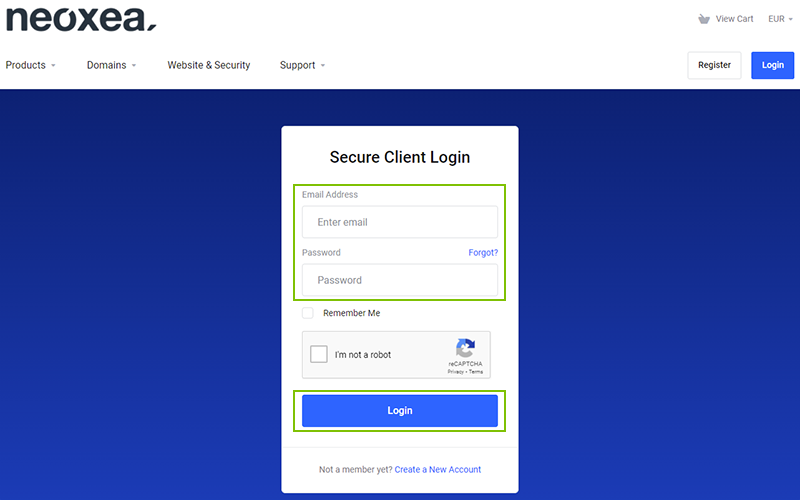
Step 2. Enter the Email and Password that has been sent to you in Neoxea Welcome email and click Login.
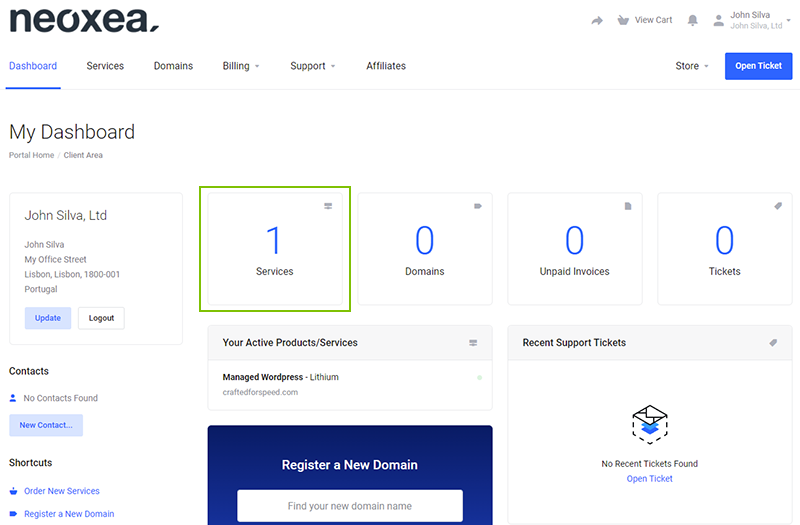
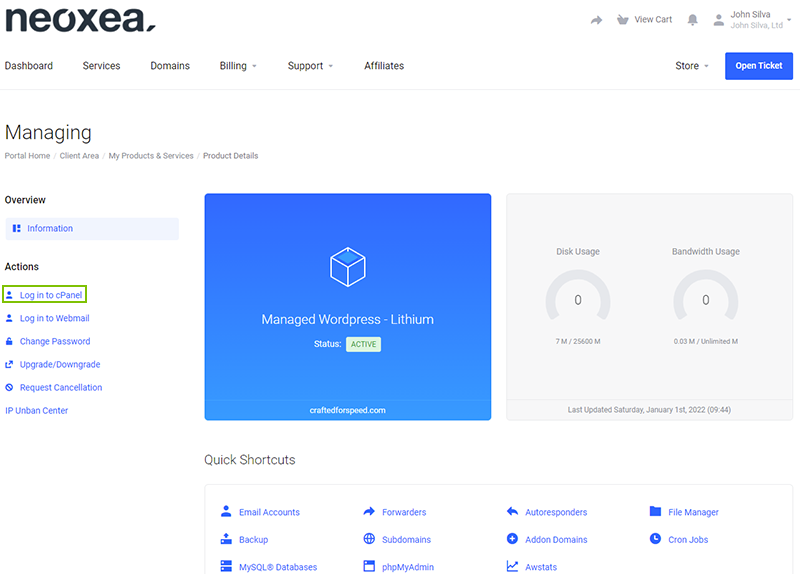
Step 3. Click on Services button, to access the overview of all your Hosting services with Neoxea.
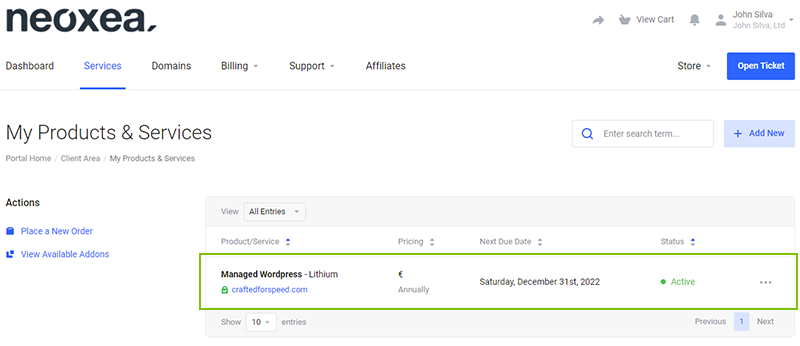
Step 4. Click on the Hosting Service you would like to access.
Step 5. Click on Log in to cPanel to get instantly forwarded to cPanel Control Panel.
Login to cPanel through your browser address bar
There are many different URLs you can use to login to cPanel directly.
Login by adding ‘/cpanel’ to the end of your Domain.
Step 1. Visit the following URL to get to your cPanel login:
https://craftedforspeed.com/cpanel
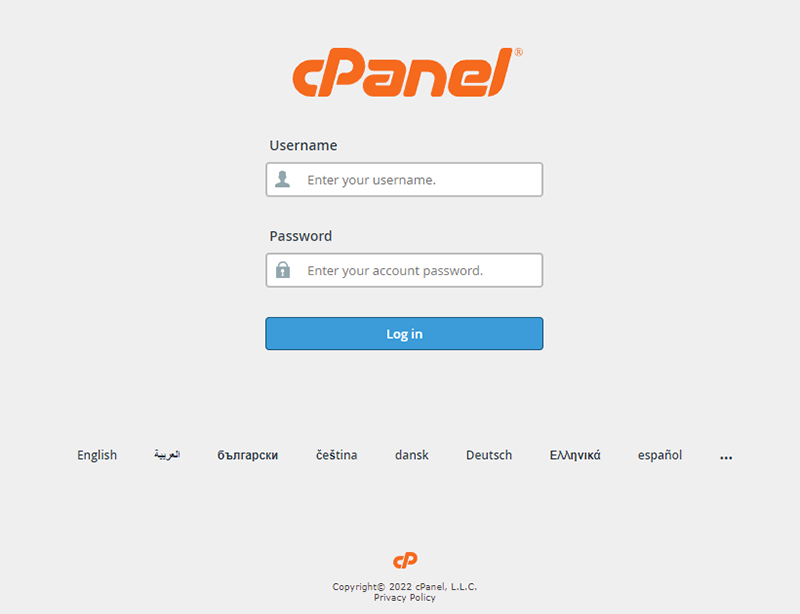
Step 2. Type in your cPanel Username and Password. For security reasons, Neoxea Customer Portal (My.Neoxea) does not display the Username or Password. Although you can change the Password.
Login by adding the cPanel port to the end of your Domain
Step 1. Visit the following URL to get to your cPanel login:
https://craftedforspeed.com:2083
Step 2. Type in your cPanel Username and Password. For security reasons, neoxea Customer Portal (my.neoxea) does not display the Username or Password. Although you can change the Password.