In case you have lost access to your Customer Area, the good news is you can self-reset your password and gain access back. The process is simple, and this tutorial will guide you through it.
Password reset whithin my.neoxea
Recovering your access to my.neoxea is a very straightforward process:
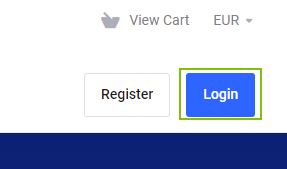
Step 1. Go to my.neoxea and click Login
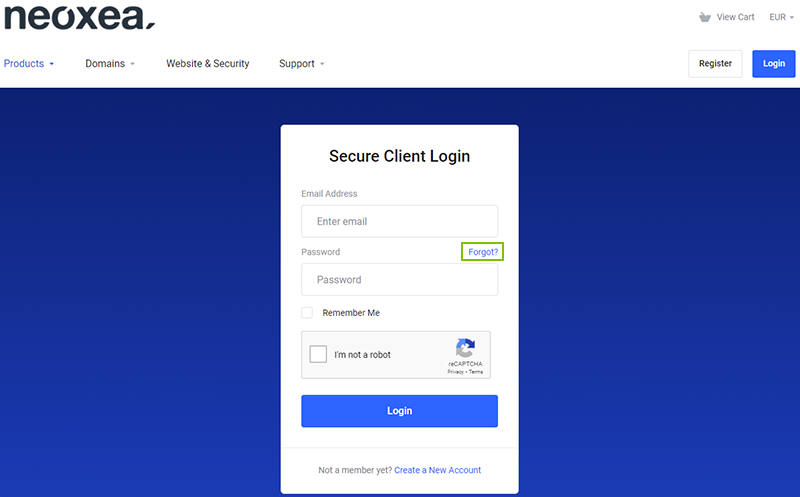
Step 2. Click Forgot?
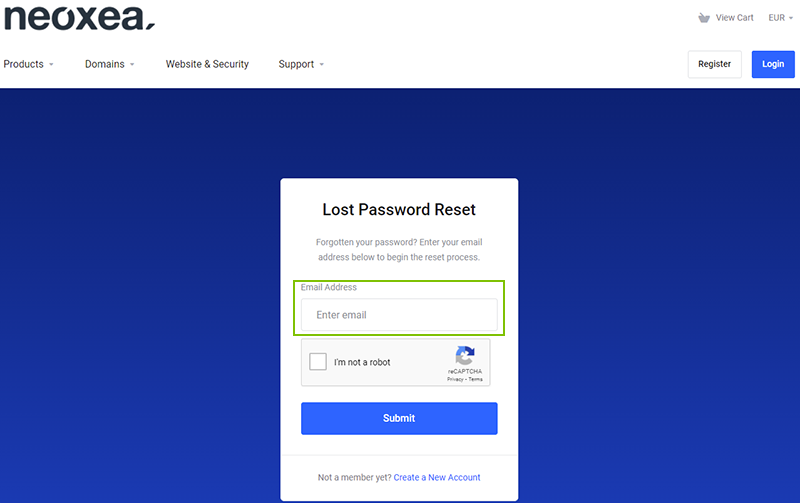
Step 3. Enter your Email address and click Submit. You should receive an email from us within 10 minutes with the chance to set a new password.
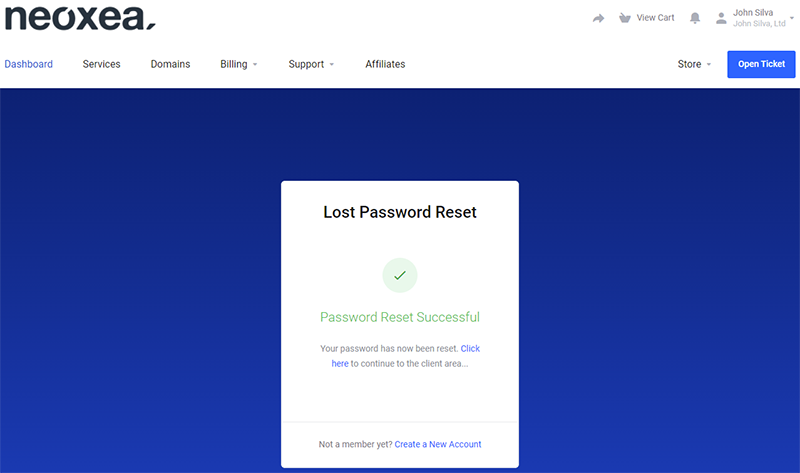
You will be greeted with the following message, that confirms your password reset was successfully requested.
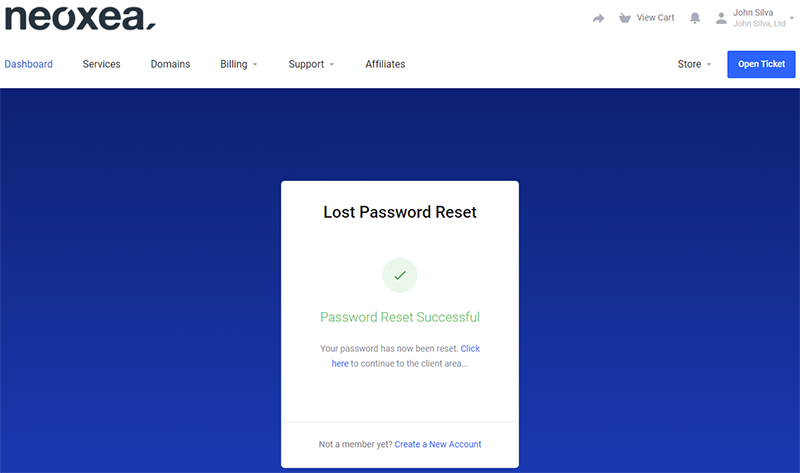
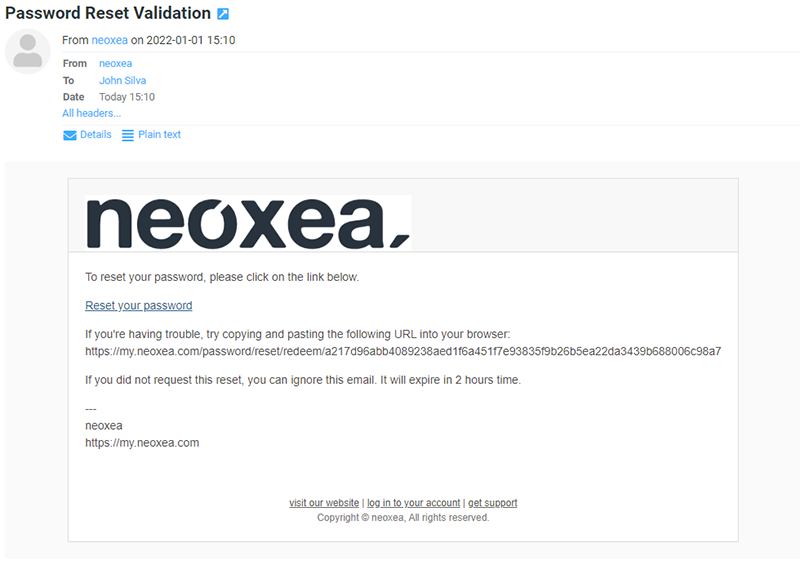
Step 4. Now check if you received a neoxea Email in your Email client with the subject Password Reset Validation. Click on the Reset your password link in the Email
It should look like the example below.
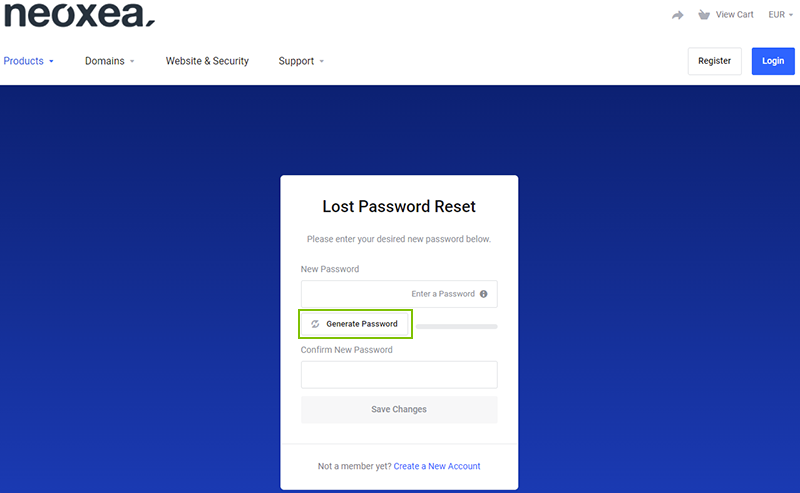
Step 5. Then click Generate Password.
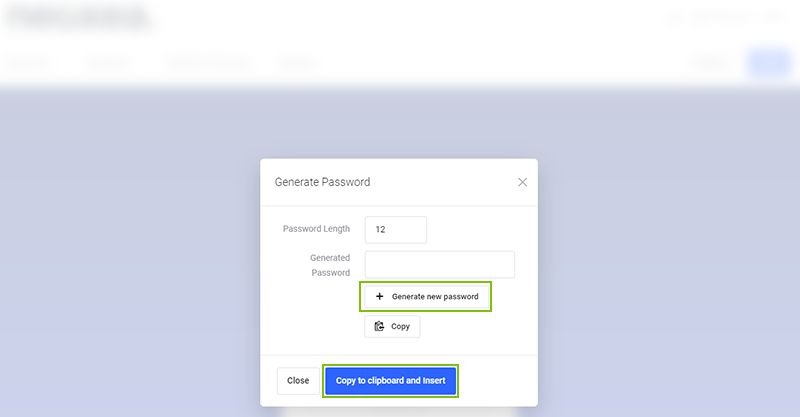
Step 6. Click on Generate new password and then click Copy to clipboard and Insert.
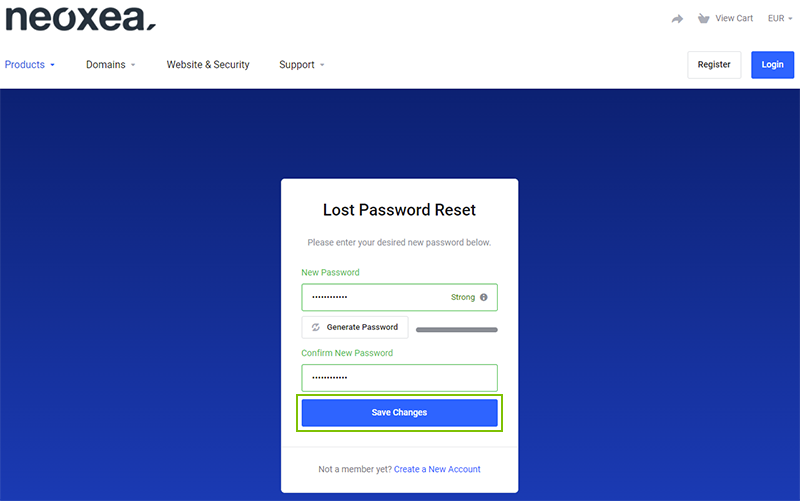
Step 7. Click on Save Changes
Congratulations, you have recovered your my.neoxea Password successfully.